COLDCARD Security Update: Seed Generation, Transaction Integrity, and Data Isolation
Three weeks ago, we disclosed a seed-generation failure exploited by hackers in an attack that caused some customers to experience severe financial losses. This release reflects three weeks of sustained review since our July 31 hotfix — including AI-assisted review by Kimi and other frontier models — not just the RNG path, but the whole system.
This update covers what we found, what we fixed, and what customers need to do.
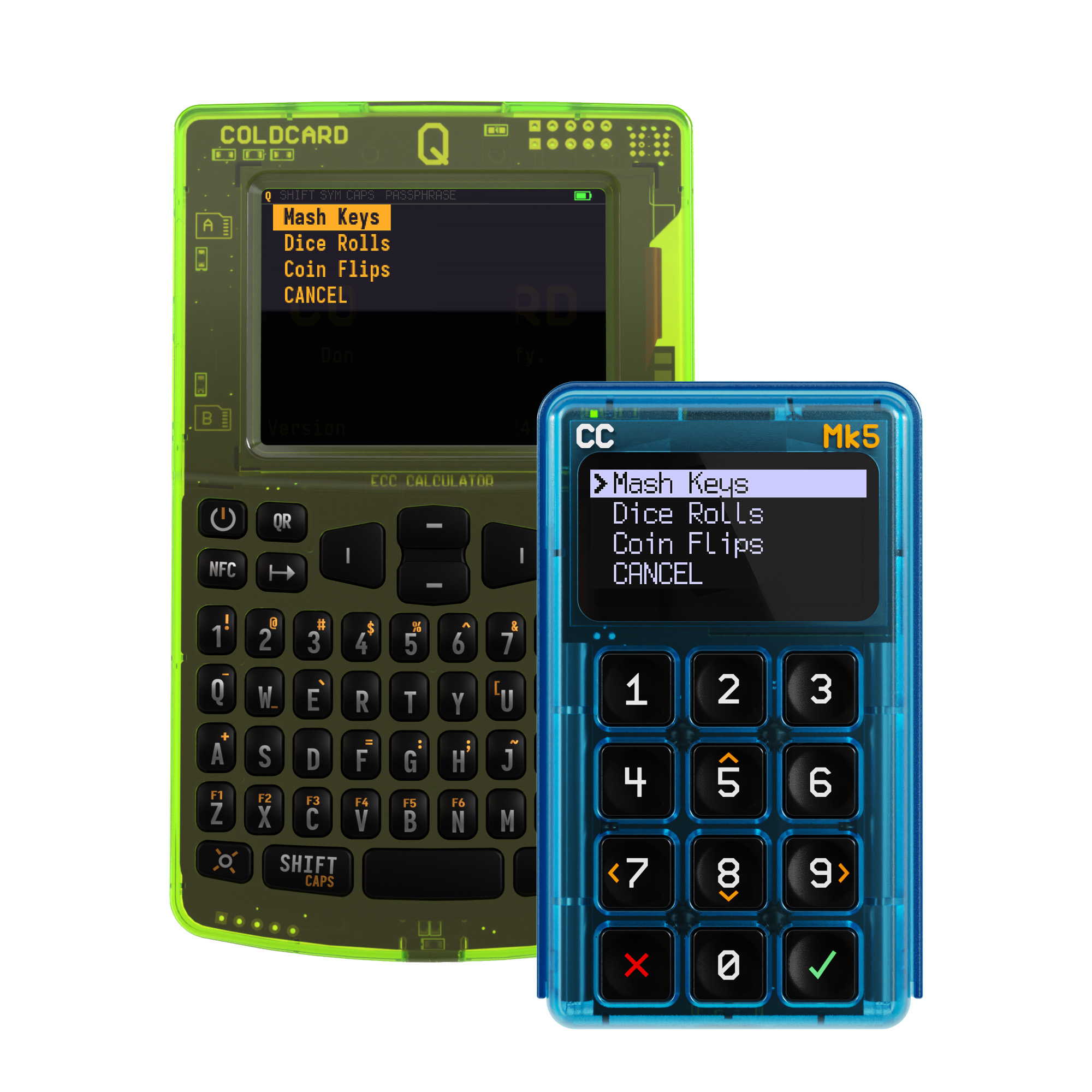
Immediately, we strongly recommend that all COLDCARD Mk4, Mk5, and Q users upgrade to firmware 5.6.1 for Mk4/Mk5 and 1.5.1Q for Q from our official firmware downloads page.
We are grateful to the security researchers who went above and beyond over the past weeks, reporting issues, reproducing edge cases, and reviewing our fixes. Their work put this firmware under intense, sustained scrutiny and made this release stronger.
Law enforcement authorities continue investigating the thefts and are working to identify those responsible. We remain available to assist, and authorities are keeping us informed of material developments.
We’ll keep publishing concrete, inspectable changes as this work proceeds, and we remain committed to supporting every customer working through their migration until it’s done.
What This Release Includes
This release includes improvements unrelated to the original RNG issue, including policy changes to seed generation, transaction review, USB data handling, firmware-update validation, Delta Mode hardening, and wallet backups.
We’re publishing the major security and correctness changes here, including changes unrelated to the original bug.
Important seed reminder: Installing this update does not make an existing vulnerable seed safe. If your seed may have been generated on affected firmware from 2021 through July 2026, create a new seed using fixed firmware and move your funds by following our seed-generation advisory.
The July 31 firmware corrected the seed-generation failure for new seeds. This release gives affected customers a more thoroughly reviewed foundation to generate replacement seeds and complete their migration. It does not change the migration guidance for seeds already generated on affected firmware.
Our team remains heads down helping affected users complete their migrations. Support and other contact channels are handling unusually high volumes, so responses may take longer than usual. We appreciate your patience and will continue publishing verified guidance on the Security Status page.
Seed Generation and Defense in Depth
Every newly generated seed now requires one user-sourced entropy method: at least 65 key presses with unpredictable timing, 50 rolls of a physical six-sided die, or 128 physical coin flips. The same requirement applies to generated Temporary Seeds and generated CCC Key C. The standard workflow combines that input with fresh device entropy from all sources available to us: SE1, SE2, and TRNG. The backup PRNG generator now uses SHA-256 Hash_DRBG instead of Yasmarang.
At boot, it is initialized from the STM32 TRNG and reseeded with a full 256-bit digest from SE1 and SE2; its output is also mixed with fresh STM32 TRNG words. For each new seed, firmware combines 32 bytes from the generator, 32 fresh bytes from SE1, and 8 fresh bytes from SE2, then applies double SHA-256 before mixing the required user input with versioned method and purpose identifiers.
Dice Rolls Only remains a separate advanced option: it excludes all hardware-generated randomness and requires 50 rolls for 12 words or 99 rolls for 24 words. Keep every input and any final hash shown by the device private.
Seed-entry handling was also tightened: holding a key no longer counts as repeated dice rolls.
For a wallet intended to hold a meaningful balance, we recommend the standard Dice Rolls option executed honestly with genuine rolls, a strong and unique BIP-39 passphrase, and, where appropriate, a carefully designed multisig setup suited to your threat model.
These protections do not make an already vulnerable seed safe and do not replace moving funds to a newly generated seed.
Active-Wallet Display and Backup Behavior
- When a BIP-39 passphrase wallet is active, View Seed Words now shows the effective extended private key instead of the parent seed words.
- Backup System, Clone Coldcard, and Key Teleport’s Full COLDCARD Backup now capture the wallet currently in effect, including a Temporary Seed or passphrase wallet, and warn before export.
- For a passphrase wallet, the backup contains the effective XPRV. It does not contain the parent seed words or the passphrase. Review the backup documentation before relying on a new backup, and retain the recovery material needed for your intended wallet structure.
Transaction Approval and Signing
- COLDCARD now re-verifies a staged PSBT immediately before signing. If a
connected host changes the transaction after it was reviewed on the device,
signing stops and COLDCARD displays
Transaction modified. This fixes a theoretical vulnerability if your computer’s USB port was compromised and COLDCARD is connected during the signing process. SIGHASH_SINGLEandSIGHASH_SINGLE|ANYONECANPAYare now blocked by default because later transaction outputs can remain modifiable. Advanced users who require these modes can set Sighash Checks to Warn.
USB Data and Firmware-Update Boundaries
- USB downloads are now limited to the most recent result produced by the device, require an encrypted session, and are invalidated by new uploads, transactions, or sessions.
- Additional bounds checks reject integer wraparound and out-of-range access at the firmware call boundary. The SE1 check value now uses a nonce range separate from encrypted secret data.
Delta Mode Hardening
- Delta Mode now blocks Seed Vault access through Seed XOR, Key Teleport, CCC Key C import, and BIP-85.
- Listing saved BIP-39 passphrases in Delta Mode no longer exposes seed-derived wallet details.
- Seed-derived message signatures are no longer valid when using a Delta Mode PIN.
Integrated TRNG Self-Test
We made the hardware TRNG path itself more robust against some internal error states and compilation errors:
- Firmware now checks hardware RNG seed-error state, output readiness, and zero-word conditions. It retries a bounded number of times and stops on obvious faults. After clearing a recoverable seed-error condition, firmware discards the next 12 hardware words as required by the STM32 recovery procedure before using new output.
- At boot, firmware checks that the exact
rng_get()function used by the running build enters the intended hardware RNG read path. If that check fails, the device stops before normal operation.
These controls verify specific source and failure boundaries. Passing the
boot-time check confirms that the running build’s rng_get() call reached the
intended hardware-read path during the self-test. It does not independently
prove the quality of every output or every entropy source, and it should not be
read as a claim that finite testing can prove arbitrary randomness.
Compatibility and Correctness
- BIP-322 message signing rejects unsupported text before approval, including non-ASCII text and ambiguous whitespace cases.
- WIF Store no longer creates duplicate entries after restart.
- Short PSBT uploads are no longer mistaken for firmware. Multisig enrollment rejects duplicate or device-owned keys. Clone restore now confirms the seed fingerprint. Backup restore is capped, PSRAM is cleared on seed wipe, and multisig names must be unique.
- On Q, BBQr rejects malformed or oversized imports, and BIP-21 fields are sanitized. Locally entered passphrases must be scrolled before reveal.
- Send Password remains available as an explicitly approved emulated-keyboard action when the general USB data protocol is disabled.
Thanks to External Contributors
“FreeZ Agent” reported the staged-PSBT issue, “Rety” reported the Seed XOR issue, and Peter Todd shared ideas on inter-key timing entropy.
New COLDCARD Security Status Page
We’ve launched a new public COLDCARD Security Status page. This is the place to check the current fixed-release matrix, migration guidance, independent-validation evidence and its stated limits, and verified incident updates. It also provides machine-readable status, and we’ll keep it updated as verified information changes.
Our Security & Transparency hub connects that live status page with the advisory, disclosure history, firmware-verification resources, private reporting instructions, and related public records.
How to Update
- Download firmware only from the official COLDCARD downloads page.
- Follow our instructions to verify the SHA-256 hash and PGP signature.
- Install it using the MicroSD upgrade procedure.
- After restart, select Advanced > Upgrade > Show Version and confirm that your device reports 5.6.1 on Mk4/Mk5 or 1.5.1Q on Q.
- If the July seed advisory applies to you, complete the separate seed migration. Upgrading alone is not sufficient.
Full technical notes, affected-version information, source links, and researcher acknowledgements are available in our firmware release notes.
Security reports can be submitted privately to security@coinkite.com under our responsible-disclosure policy. The firmware repository now also publishes private reporting guidance in SECURITY.md. Customers who need assistance should contact our support team.